



Managing passwords for your small business shouldn’t feel like a constant battle. You need a solution that keeps your company’s sensitive information safe without slowing you down.
That’s where the right password manager comes in. It helps you organize, share, and protect your login credentials effortlessly—making your team more productive and your data more secure. You’ll discover the best password managers designed specifically for small businesses. By the end, you’ll know exactly which tool fits your needs, so you can stop worrying about passwords and start focusing on growing your business.

Keep reading to find your perfect match.
Top Picks For Small Business
1Password offers a unique “Secret Key” for extra login protection. Its “Watchtower” dashboard scans for weak or stolen passwords every day. This makes it great for teams needing custom vault sharing and strong security.
NordPass provides simple, easy-to-use password storage with strong encryption. It supports multi-device syncing and alerts you about data breaches. A solid choice for small businesses wanting straightforward protection.
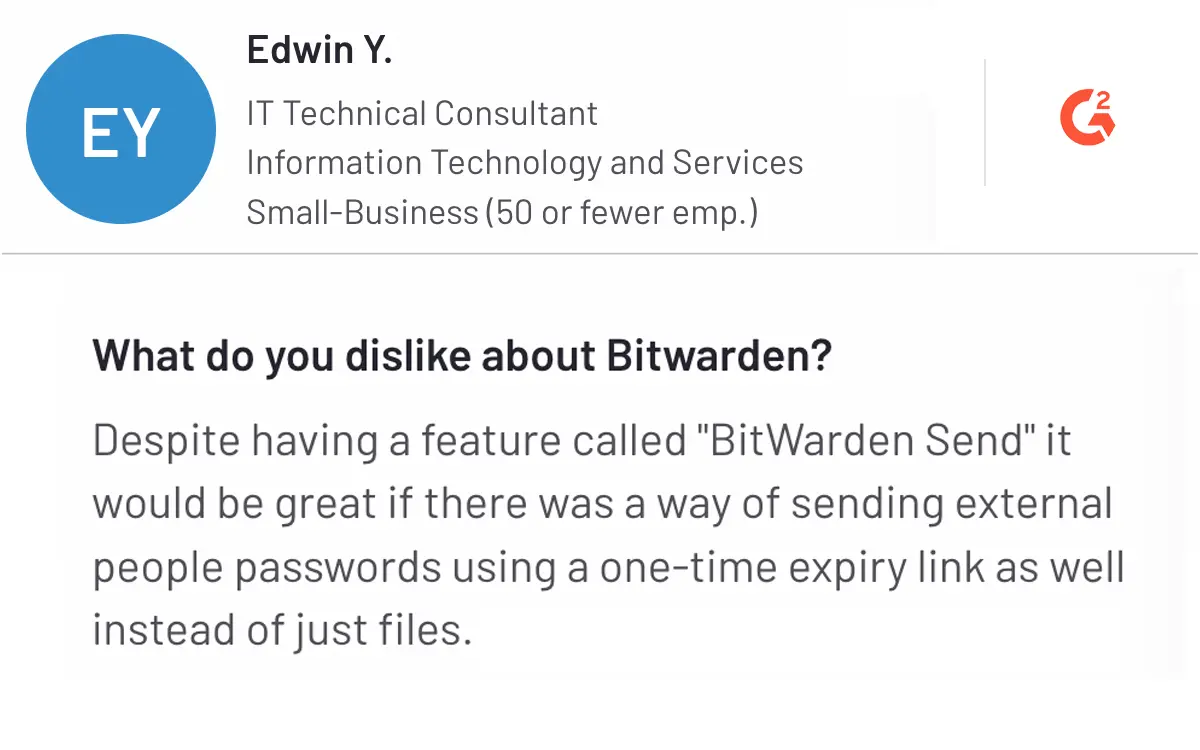
Bitwarden is known for its open-source code and strong security. It offers affordable pricing and flexible plans. Businesses benefit from role-based access and easy team management.
RoboForm stands out for its budget-friendly pricing and user-friendly interface. It supports secure password sharing and quick employee onboarding. Ideal for companies watching their costs.
LastPass and Keeper both offer robust features like multi-factor authentication and encrypted storage. Each has unique tools to help teams stay secure and manage passwords efficiently.

Credit: theprotoolkit.com
Essential Features For Businesses
The Admin Console lets managers add or remove employees quickly. This keeps control tight and up to date. Role-Based Access Control limits employee access to only what they need. This helps protect sensitive information and reduces risks.
Shared Vaults and Folders allow teams to share passwords safely. Everyone can access needed logins without seeing the actual passwords. This is great for shared accounts like social media or billing.
Zero-Knowledge Security means the password manager cannot see your data. Only your company can decrypt passwords. This keeps your information private and safe from breaches.
Pricing And Plans
NordPass Business Plans offer simple pricing based on the number of users. Plans start with a low monthly fee per user. Each plan includes secure password storage, sharing, and admin controls.
Bitwarden Pricing Options include a free tier for small teams and affordable paid plans. Paid plans unlock advanced features like priority support and user groups. Pricing is also per user per month.
| Feature | NordPass Business | Bitwarden Business |
|---|---|---|
| Cost per User | Starts around $3.99/month | Free tier; paid from $5/month |
| Password Sharing | Yes, with shared folders | Yes, with organization vaults |
| Admin Controls | Provisioning and role management | Advanced admin features on paid plans |
| Security | Zero-knowledge encryption | Zero-knowledge encryption |
Both offer strong security and easy user management. Bitwarden’s free tier suits very small teams. NordPass includes more features at a lower starting price. Choose based on your team size and needed features.

Credit: passpack.com
Security And Privacy
Data encryption standards protect your passwords from hackers. The best password managers use AES-256 bit encryption. This level keeps your data very safe. It scrambles information so no one else can read it.
Dark web monitoring checks if your business passwords appear online. It alerts you quickly if any passwords leak. This helps you change them before bad people use them.
Multi-factor authentication (MFA) adds an extra step to login. It needs a code from your phone or email. This stops hackers even if they get your password.
Handling data breaches means the manager reacts fast. Good services notify you right away. They help secure your accounts and stop further damage.
User Experience
Onboarding and offboarding are simple and fast with good password managers. Admins can add or remove users in seconds. This helps keep business accounts safe and updated.
Ease of use for teams matters a lot. The best managers have clear menus and easy sharing options. Teams find it quick to save and share passwords securely without confusion.
Cross-device compatibility lets users work on computers, phones, and tablets. Passwords sync automatically, so employees always have access. This keeps work smooth and flexible.
Customer support quality is important for solving problems fast. The best services offer live chat, email help, and detailed guides. This means less downtime and happier users.
Credit: www.securden.com
Choosing The Right Manager
Assessing business needs means knowing how many users require password access. Small businesses must consider the types of accounts to protect and how often passwords change. Security features like multi-factor authentication and encrypted storage are essential.
Balancing security and budget can be tricky. Choose a manager that offers strong protection without high costs. Some options provide basic plans affordable for startups, while others suit growing teams with advanced needs.
Trial and free versions let businesses test features before buying. These versions help understand ease of use, compatibility, and support quality. Make sure the free plan includes core functions your team needs.
Long-term scalability is key. Pick a password manager that grows with your business. It should support adding users and upgrading plans smoothly. Look for companies with reliable updates and good customer service.
How Our Company Can Help You with Best Password Manager for Small Business
Practical Steps to Mastering Your Small Business Password Manager
Understanding the essential features and security measures of a password manager is just the beginning. To truly benefit from your choice, it’s important to engage in practical learning opportunities that reinforce good password habits and optimize your tool’s capabilities.
Start by exploring the user experience thoroughly—most managers offer tutorials or demo accounts to help teams familiarize themselves with vault sharing and admin console functions. This hands-on approach ensures everyone in your business understands how to manage credentials safely and efficiently.
- Regularly review security settings to adapt to evolving cyber threats.
- Use independent research and verified user feedback to stay updated on new features or potential vulnerabilities.
- Consider pricing plans that offer scalability as your business grows, ensuring continued support and access to advanced tools.
For additional guidance or questions, reaching out to resources like HostingAdvise can provide balanced, evidence-based insights tailored for small businesses navigating web hosting and digital security tools.
Frequently Asked Questions
What Is The Best Password Manager For Small Businesses?
The best password manager offers strong security, easy team sharing, and admin controls. Popular options include Bitwarden, NordPass, and 1Password, all tailored for small business needs. Choose one with zero-knowledge encryption and role-based access.
Why Do Small Businesses Need A Password Manager?
Password managers protect sensitive data by generating and storing strong, unique passwords. They reduce the risk of breaches caused by weak or reused passwords. They also simplify password sharing and management for teams.
How Does Role-based Access Improve Security?
Role-based access restricts password vaults based on employee roles. It ensures team members only see passwords relevant to their job. This minimizes insider risks and helps maintain tighter control over sensitive credentials.
Can Password Managers Protect Against Data Breaches?
Yes, many password managers include breach monitoring features. They alert you if stored credentials appear in data leaks. This helps you quickly update compromised passwords and prevent unauthorized access.
Conclusion
Choosing the right password manager protects your business from cyber threats. It saves time by organizing credentials securely. A good manager controls who accesses sensitive data. Shared passwords stay safe and easy to update. Pick one that fits your team’s size and budget.
Start securing your small business today with the best tool. Strong passwords mean stronger business security and peace of mind.











Leave a comment