




Looking to grow your small business without breaking the bank? Email marketing is one of the smartest ways to reach your customers directly, build strong relationships, and boost your sales.
But with so many email marketing tools out there, how do you know which one fits your needs perfectly? You want software that’s easy to use, affordable, and powerful enough to help you stand out. You’ll discover the best email marketing software options tailored just for small businesses like yours.

Whether you’re just starting out or ready to level up your campaigns, this guide will help you find the perfect match to save time, engage your audience, and grow your business faster than you thought possible. Keep reading and get ready to unlock the secret weapon your business deserves!
Top Email Marketing Tools
Klaviyo is ideal for e-commerce businesses. It connects well with Shopify and other stores. You can send personalized emails based on customer actions. Dynamic product suggestions help increase sales.
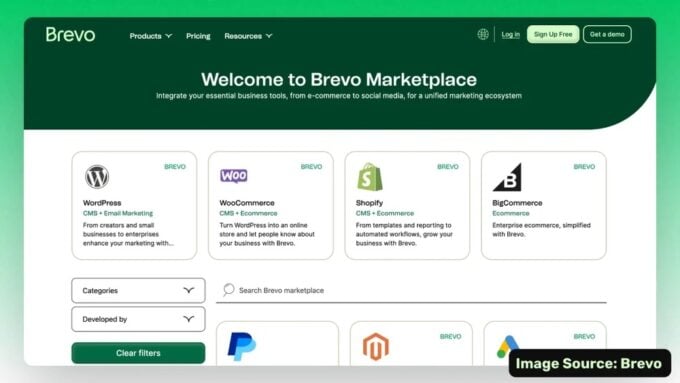
Brevo works as an all-in-one marketing tool. It combines email, SMS, and CRM features in one place. This software is budget-friendly and great for growing businesses.
MailerLite is perfect for solopreneurs who want simplicity. It offers a drag-and-drop editor that is easy to use. Pricing is affordable, and the interface is clean and clear.
Kit (formerly ConvertKit) fits content creators well. It helps sell digital products and manage subscribers. You can tag users and monetize newsletters with ease.
| Best Free Options | Features |
|---|---|
| MailerLite | Free plan with basic email tools and automation. |
| Brevo | Free tier includes emails, SMS, and CRM basics. |
Key Features To Consider
Ease of Use is crucial for small businesses. Software should have a simple interface. Clear menus and drag-and-drop editors help create emails quickly. This saves time and reduces frustration.
Automation Capabilities let you send emails automatically. Set triggers based on customer actions. This keeps your audience engaged without constant effort.
Segmentation and Personalization improve email relevance. Divide your list into groups by interest or behavior. Personalize messages to increase open rates and clicks.
Integrations and Compatibility allow the software to work with other tools. Connect with your website, CRM, or social media. This helps manage contacts and track results easily.
Pricing and Plans must fit your budget. Look for flexible options that grow with your business. Some offer free plans or trials to test features before buying.
Comparing Popular Platforms
MailerLite is known for its simple design and easy drag-and-drop editor. It fits small business owners who want to create emails fast without hassle. The pricing is affordable, making it a popular choice.
Brevo offers more than just email. It includes SMS and a built-in CRM. This makes it a good option for businesses wanting to handle marketing and customer relations together. It is also budget-friendly.
Klaviyo works well with e-commerce shops like Shopify. It helps send personalized emails and product suggestions. This platform suits businesses focusing on online sales.
Constant Contact provides easy-to-use templates and tools for creating newsletters. It supports small businesses with event marketing and social campaigns too. It is user-friendly for beginners.
ConvertKit is made for creators and bloggers. It helps sell digital products and manage email tags. This platform is great for those who want to monetize newsletters.
Credit: www.zoho.com
Budget-friendly Choices
Affordable pricing tiers suit small business budgets well. Many platforms offer free plans, but these often have limitations like restricted contacts or email sends.
Paid plans usually start low, around $10 to $20 per month. This cost covers more features, such as automation, better templates, and customer support.
Free plans can be great to start with, but they often miss advanced tools. Businesses needing more power should consider paid options for better value.
| Plan Type | Typical Cost | Key Features | Limitations |
|---|---|---|---|
| Free | $0 | Basic emails, limited contacts | Fewer emails, no automation |
| Starter | $10-$20/month | More contacts, basic automation | Some feature limits |
| Pro | $30+/month | Advanced tools, full support | Usually none |
Small businesses get great value by matching plans with their needs. Paying a little more often means better tools and growth potential.
Advanced Features For Growth
AI-powered email builders help create emails fast without design skills. They suggest text and layouts based on your content. This saves time and makes emails look professional.
CRM integration connects your email software to customer data. This allows sending personalized emails based on customer behavior. It improves engagement and builds stronger relationships.
Dynamic content and product recommendations show different content to each subscriber. Emails can display products or messages based on user interests. This increases the chance of clicks and sales.
Analytics and reporting provide clear data on email performance. Metrics like open rates, clicks, and conversions help track success. You can adjust campaigns to get better results over time.
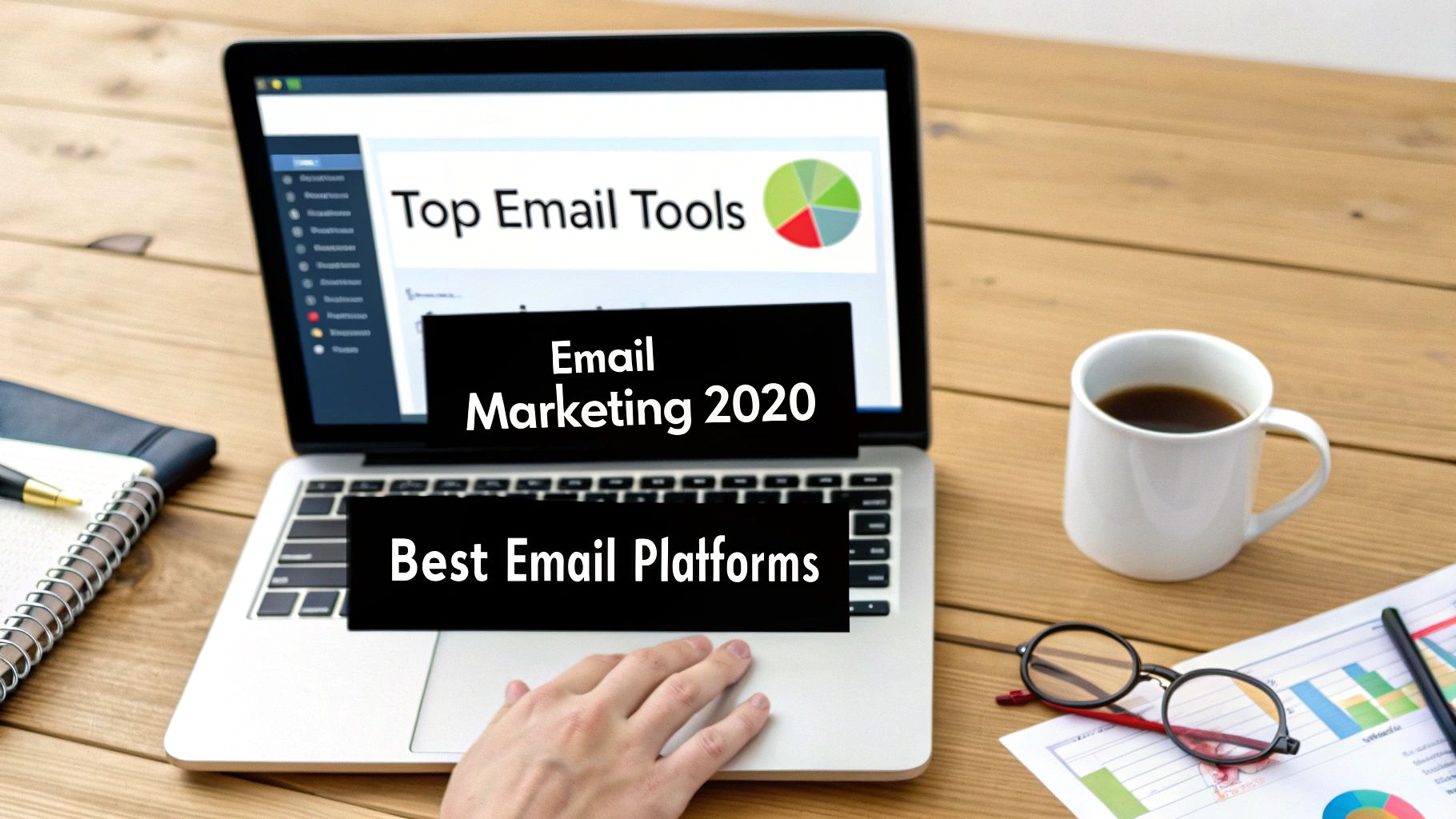
Credit: truelist.io
User Experience And Design
Drag-and-drop editors let users build emails easily by moving blocks. No coding skills are needed. This saves time and effort.
Mobile responsiveness ensures emails look good on phones and tablets. Most people check emails on mobile devices, so this feature is key.
| Feature | Why It Matters |
|---|---|
| Template Variety | Offers many design options to fit different styles and industries. |
| Customization Options | Allows users to change colors, fonts, and layouts to match their brand. |
Tips For Choosing The Right Software
Assess business needs first. Know the size of your email list and the type of campaigns you want. This helps pick software with the right features.
Try free trials to see how easy the tool is to use. Test sending emails, creating templates, and checking reports before buying.
Customer support is key. Choose software that offers quick help via chat, phone, or email. Good support saves time and frustration.
Think about scalability. Pick software that grows with your business. It should handle more contacts and advanced features as you expand.
Credit: joinbreaker.ai
How Our Company Can Help You with Best Email Marketing Software for Small Business
Practical Learning Opportunities to Master Your Email Marketing Software
Choosing the best email marketing software for your small business is just the first step. To truly maximize the benefits, it’s important to engage with practical learning opportunities. Familiarizing yourself with key features such as segmentation, automation, and user experience—as discussed earlier—can help you tailor campaigns that resonate with your audience.
Many platforms offer tutorials, webinars, and community forums where you can deepen your understanding. HostingAdvise emphasizes the value of official documentation and verified user feedback, which can provide balanced, evidence-based insights. Exploring these resources equips you to make informed decisions and optimize your email strategies effectively.
- Review platform-specific guides and tutorials
- Practice creating campaigns with budget-friendly or trial versions
- Participate in online communities for real-world tips and troubleshooting
Should you need additional guidance, HostingAdvise’s research-driven approach and expert reviews serve as a reliable resource. For further assistance, feel free to reach out via our contact page—helping you navigate the complexities of email marketing software with confidence.
Frequently Asked Questions
What Is The Best Email Marketing Software For Small Businesses?
The best software depends on your needs. Popular options include Klaviyo for e-commerce, Brevo for all-in-one marketing, MailerLite for simplicity, and ConvertKit for content creators. Each offers unique features to grow your business effectively.
How Much Does Email Marketing Software Typically Cost?
Costs vary by platform and features. Many offer free plans with limits. Paid plans often start around $10-$20 monthly, scaling with subscriber count and added functionalities like automation and CRM integration.
Which Email Marketing Tool Is Easiest For Beginners?
MailerLite is widely praised for its user-friendly interface and drag-and-drop editor. It’s ideal for solopreneurs or small teams new to email marketing, offering simplicity without sacrificing essential features.
Can Email Marketing Software Integrate With E-commerce Platforms?
Yes. Tools like Klaviyo specialize in deep integrations with Shopify, WooCommerce, and others. This enables personalized campaigns and dynamic product recommendations, boosting sales through targeted email marketing.
Conclusion
Choosing the right email marketing software can boost small business growth. Consider your budget, features, and ease of use. Each tool offers unique benefits for different needs. Take time to explore options before deciding. A good platform helps connect with customers effectively.
Start simple, then expand your email marketing efforts. Consistency and quality matter more than fancy features. Your small business deserves tools that fit your goals well.












Leave a comment