


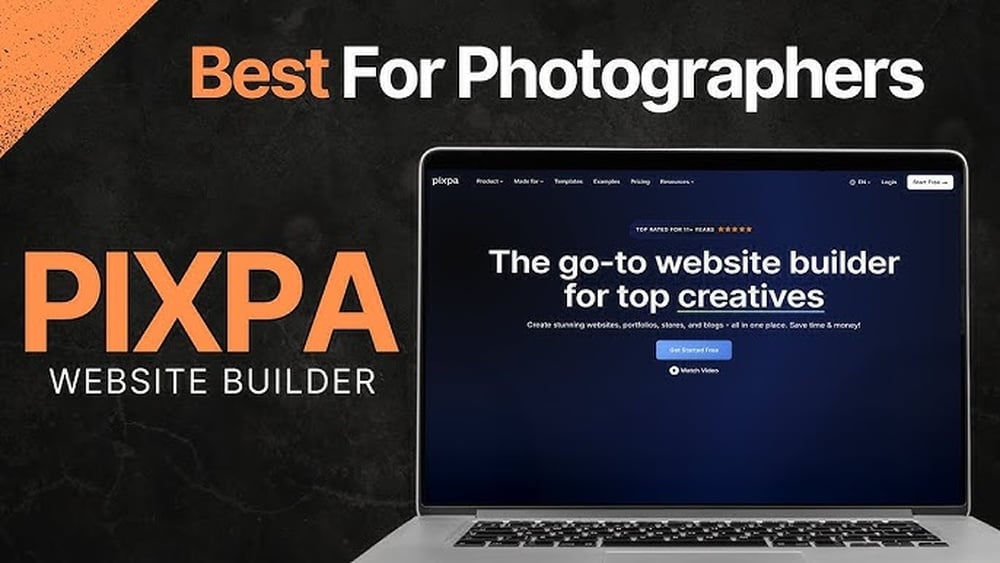
If you’re a photographer, your website is more than just a place to showcase photos—it’s your digital gallery, your business card, and your sales platform all in one. But with so many website builders out there, how do you choose the one that fits your unique needs?
You want a site that highlights your work beautifully, loads quickly, and offers tools to connect with clients and sell prints. Whether you’re just starting out or looking to upgrade, finding the best website builder for photographers can feel overwhelming.
That’s why this guide breaks down the top options, helping you pick the perfect platform to make your photos shine and your business grow. Keep reading to discover which website builder matches your style, budget, and goals perfectly.

Credit: www.tooltester.com
Top Website Builders
Squarespace offers sleek, minimalist templates that highlight your photos beautifully. It includes built-in tools for selling prints and booking clients. Your images load quickly on all devices, making it a professional choice.
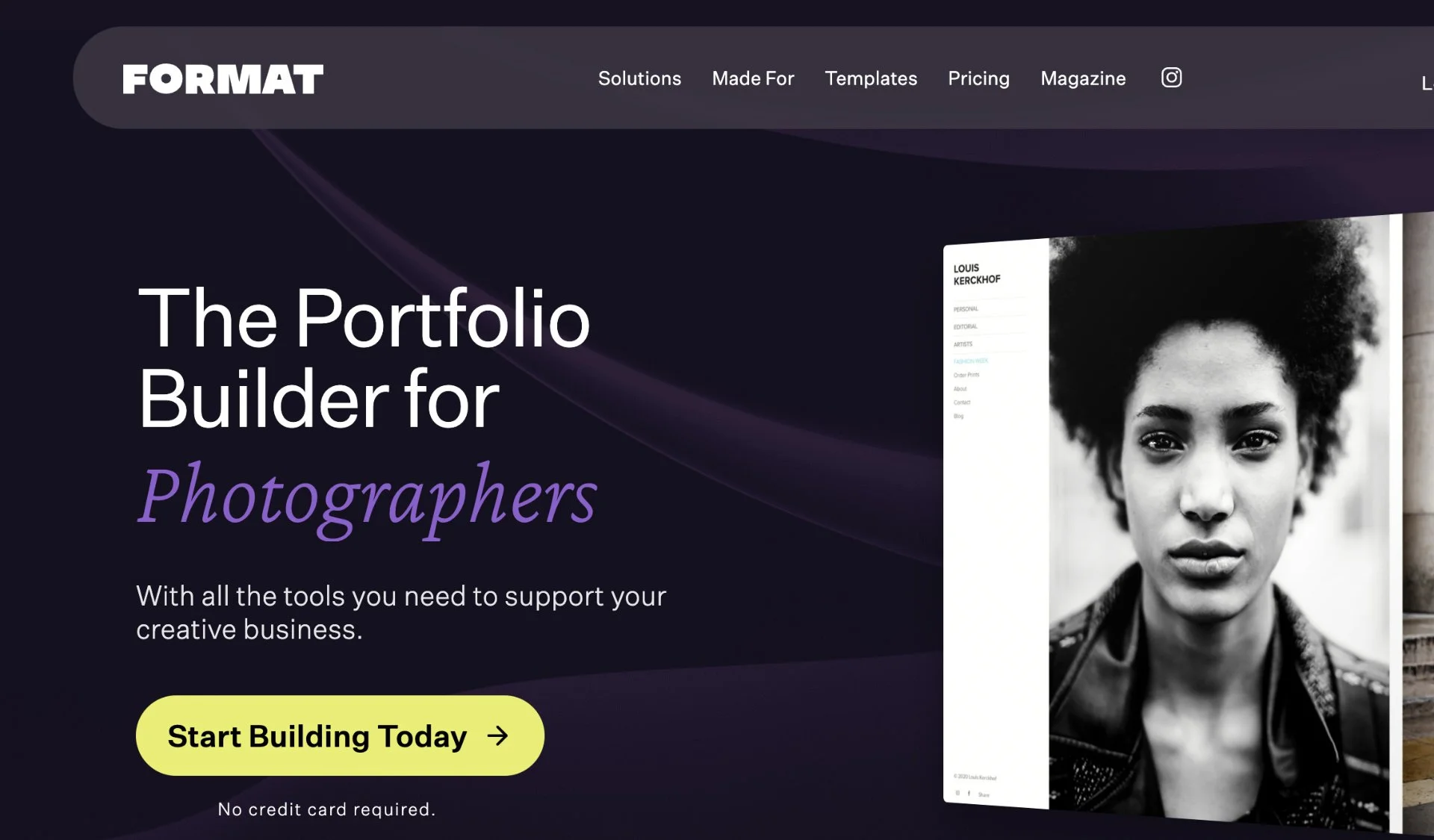
Format is made just for photographers. It has lots of high-res storage, easy client proofing, and strong SEO features. This helps your work get noticed and keeps your workflow smooth.
Pixieset focuses on client galleries and print sales. It is great for managing photo deliveries and offers a clean, simple interface for your clients to use.
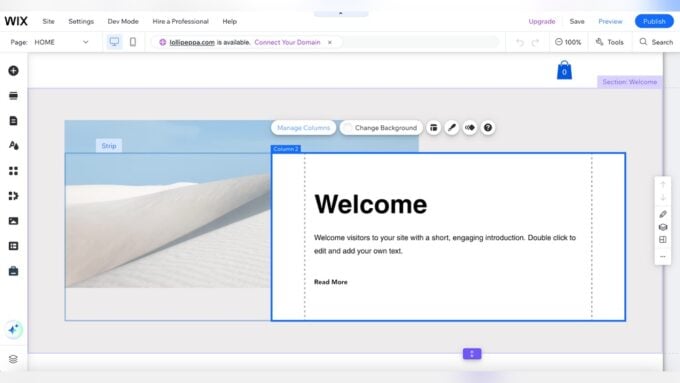
Wix suits photographers on a budget. It has many templates and is easy to use. Though cheaper, it still offers good customization and basic e-commerce features.
Other builders to consider include Weebly and SmugMug. They offer simple setup and special tools for photo storage and sales.
Design And Templates
Photographers need website builders with minimalist and visual layouts to showcase their work clearly. These layouts help the photos stand out without clutter. Many builders offer customizable portfolio designs, allowing photographers to change colors, fonts, and arrangement. This flexibility helps create a unique online presence.
Mobile optimization is essential. Most visitors use phones or tablets. A website that looks great on small screens keeps visitors interested. Fast loading times and easy navigation on mobile devices improve user experience.
Photography Business Tools
Client proofing options let photographers share images privately. Clients can select favorites or request edits easily. This saves time and keeps communication clear.
Print sales integration allows selling prints directly on your site. Customers choose sizes and formats, then order without extra steps. Some builders connect with print labs for smooth fulfillment.
Booking and scheduling features help manage appointments online. Clients pick dates and times that fit their needs. This reduces back-and-forth emails and missed bookings.
Performance And Seo
Fast image loading is vital for photography websites. Large photos can slow down pages. Compressing images without losing quality helps speed up load times. Search engines like Google favor websites that load quickly. This can improve your site’s ranking and bring more visitors.
SEO basics include using keywords in titles, descriptions, and image alt texts. Clear, simple URLs and fast loading times also boost SEO. Good website builders offer tools to add these easily.
Responsive design means your site looks good on all devices. Phones, tablets, and computers show your photos perfectly. Responsive sites rank better on search engines because they provide a better user experience.
Pricing And Plans
Many website builders offer affordable plans for photographers. These plans usually include essential tools like image galleries and basic e-commerce options. Pricing often starts low, making it easy to get started without a big budget.
Premium features include advanced photo proofing, custom domains, and priority support. Some builders also offer video backgrounds and SEO tools to help your site rank better on search engines.
| Plan Type | Price Range | Key Features | Best For |
|---|---|---|---|
| Basic | $8 – $15/month | Image galleries, basic e-commerce | New photographers |
| Premium | $20 – $40/month | Client proofing, custom domains, SEO | Professional portfolios |
| Business | $40+/month | Advanced marketing, priority support | Growing photography businesses |
These options deliver strong value for photographers. You get the right mix of visual appeal and business tools. This balance helps photographers showcase work and attract clients.
Credit: themframes.com
User Experience
Ease of Use is key for photographers who want to focus on their craft. The best builders offer simple interfaces that anyone can learn quickly. Clear menus and guides reduce frustration.
Drag-and-Drop Builders make creating pages easy. Simply move images and text where you want. No coding skills required. This saves time and lets you customize your site freely.
Support and Resources matter a lot. Good website builders provide quick help through chat, email, or phone. They also offer tutorials, FAQs, and community forums. This support helps solve problems fast and keeps your site running smoothly.
Choosing The Right Builder
Matching features to needs helps photographers pick the best website builder. Each platform offers different tools. Some builders focus on image quality and speed, while others add business features like selling prints or booking clients. Choose based on what matters most to your work.
Industry-specific tools are key. Builders like Format and Pixieset offer client proofing galleries and easy portfolio management. These tools save time and make sharing work simple. They also support high-resolution photos and protect your images from being copied.
Long-term scalability means your website can grow with you. Start small with basic features, then add e-commerce or booking tools later. Platforms like Squarespace allow smooth upgrades without changing your site. This saves hassle and keeps your online presence professional.

Credit: www.theschoolofphotography.com
How Our Company Can Help You with Best Website Builder for Photographers
Practical Learning Through Choosing the Best Website Builder
When exploring the best website builder for photographers, it’s valuable to consider how design and templates align with your creative vision while supporting your business needs. Understanding the variety of photography business tools—such as client proofing and print sales integration—can significantly enhance how you manage your workflow and engage with clients. Additionally, paying attention to performance and SEO features ensures your portfolio not only looks great but also reaches the right audience effectively.
Taking a thoughtful approach involves researching official documentation and verified user feedback to make evidence-based decisions. This is where a balanced perspective, like the one HostingAdvise offers, becomes practical: it helps you weigh pros and cons based on real-world use rather than marketing hype. For personalized guidance or technical questions, reaching out to expert forums or support contacts associated with your chosen platform can provide hands-on learning opportunities and clarify any uncertainties.
Frequently Asked Questions
What Website Is Best For Photographers?
Squarespace is the best website for photographers due to its elegant templates and built-in e-commerce features. Format and Pixieset also offer excellent portfolio and client proofing tools. Wix suits budget-conscious photographers seeking easy-to-use templates. Choose based on your specific needs and style.
Is Wix Or Squarespace Better For Photographers?
Squarespace offers sleek, professional templates and built-in e-commerce, ideal for photographers. Wix provides affordable, user-friendly templates with more customization options. Choose Squarespace for polished portfolios; select Wix for budget-friendly, flexible websites.
What Is The 20-60-20 Rule In Photography?
The 20-60-20 rule in photography suggests composing a photo with 20% foreground, 60% main subject, and 20% background. This balance guides viewer focus and enhances visual appeal.
What Do Photographers Use For A Website?
Photographers use website builders like Squarespace, Format, Pixieset, and Wix. These platforms offer portfolio showcases, client proofing, and e-commerce features. Squarespace is popular for its sleek templates and business tools, while Format and Pixieset cater specifically to photographers’ workflow and galleries.
Conclusion
Choosing the right website builder helps showcase your photography best. Focus on tools that highlight your images clearly and load fast. Consider features like client proofing, print sales, and easy editing. Squarespace offers sleek templates and strong e-commerce options. Format and Pixieset suit photographers needing client galleries and workflow support.
Wix provides budget-friendly, simple solutions with many templates. Your website should reflect your style and attract clients. Take time to compare features and pricing. A well-built site helps grow your photography business smoothly.












Leave a comment