



Redesigning your website can feel overwhelming, but it doesn’t have to be. Whether your site looks outdated, isn’t driving the results you want, or simply needs a fresh look, a smart redesign can transform your online presence and boost your business.
In this guide, you’ll discover clear, actionable steps to revamp your website without losing what already works. From analyzing your current site’s strengths and weaknesses to planning a user-friendly layout and preserving your SEO, you’ll learn exactly how to make your redesign a success.
Ready to turn your website into a powerful tool that captures attention and keeps visitors coming back? Let’s dive in.
Assess Current Site
Start by studying your website traffic. Find out which pages get the most visitors and where people leave early. Look at how users interact with your site to understand their needs better. Use tools like Google Analytics to track this information.
Test your site’s speed and performance. A slow website can make visitors leave quickly. Tools like Google PageSpeed Insights help check load times and suggest fixes. Aim for fast loading on both desktop and mobile devices.
Check your SEO metrics to see how well your site ranks in search engines. Review your keywords, backlinks, and page rankings using Google Search Console. Fix any SEO issues to keep or improve your site’s visibility.

Credit: www.iwantclarity.com
Set Clear Goals
Define clear business objectives before starting the redesign. These goals guide every decision made during the process. Common objectives include increasing sales, improving user experience, or boosting site traffic.
Understand the target audience’s needs. Research their preferences, problems, and behaviors. This helps create a website that truly serves its visitors.
Establish success metrics to measure progress. Use simple numbers like conversion rates, bounce rates, or time spent on site. Tracking these shows if goals are being met and guides future changes.
Plan Site Structure
Organize navigation by grouping similar pages together. Use clear labels so visitors find things fast. Keep menus simple and avoid clutter. Prioritize important pages near the top or front.
Consolidate content by merging similar pages. Remove outdated or duplicated information. This helps users and improves site speed. Too many pages can confuse visitors and search engines.
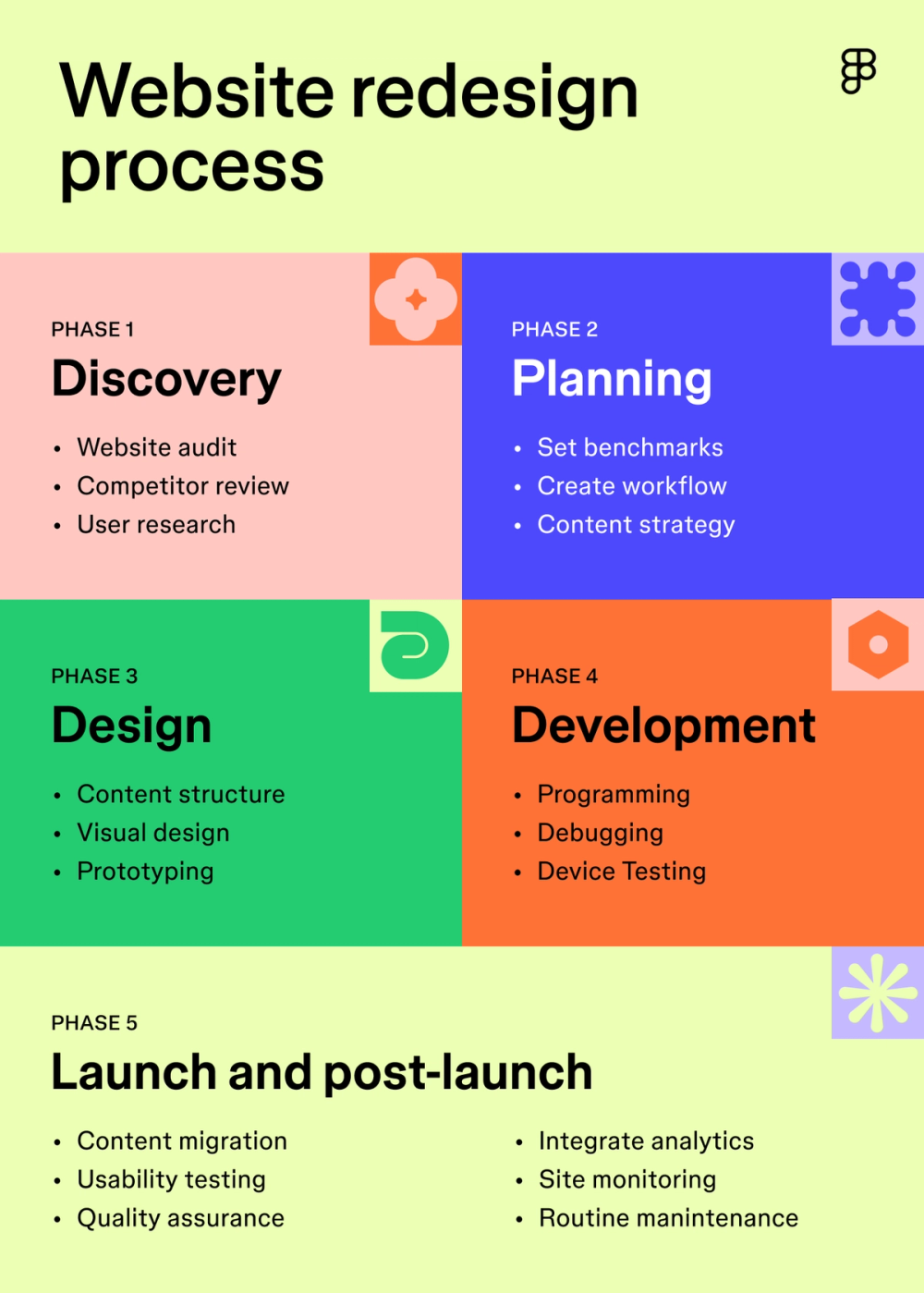
Creating a sitemap helps plan your website’s layout. It shows how pages connect and helps spot missing links. Use a visual sitemap tool or a simple list. This makes redesigning easier and more organized.
Credit: www.figma.com
Design Wireframes
Start by creating wireframes to outline each page’s layout. Focus on where key elements like headers, text, and buttons will go. This helps visualize the structure without distractions.
Mobile-first design ensures your site looks great on phones and tablets. Design smaller screens first, then expand for desktops. This approach improves usability and load times on mobile devices.
Use prototyping tools like Figma or Adobe XD to build interactive wireframes. These tools let you test how pages flow and make quick changes before coding begins.
Develop Visual Style
Choose color schemes that match your brand and feel easy on the eyes. Use 2-3 main colors for a clean look. Pick typography that is simple and easy to read, like sans-serif fonts.
Make sure visual hierarchies guide users through the page. Use bigger fonts for titles and smaller for details. Bold or color important words to draw attention.
Calls-to-action must stand out clearly. Use contrasting colors and place buttons where eyes naturally fall. Keep text short and direct, like “Buy Now” or “Sign Up.”
Build The Website
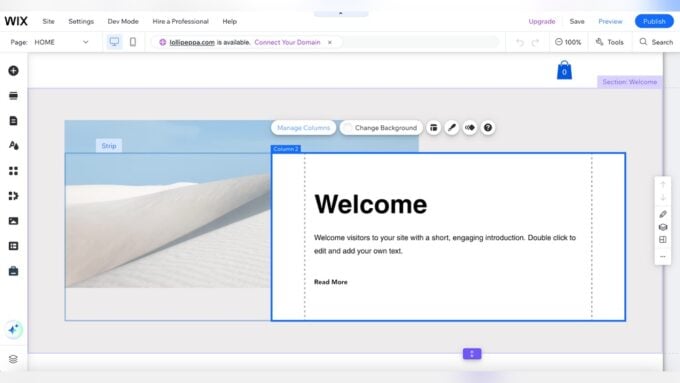
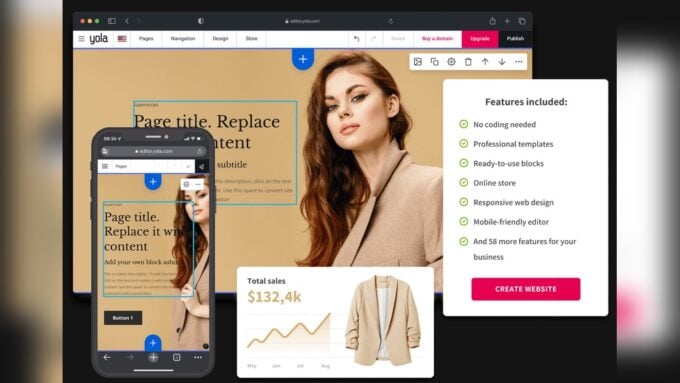
Selecting the right CMS or website builder is key. Popular options include WordPress, Wix, and Squarespace. Choose one that matches your skill level and needs.
Responsive design ensures your site works well on all devices. Use flexible grids and images. Test on phones, tablets, and desktops to confirm usability.
Functional elements improve user experience. Add contact forms, search bars, and social media links. Ensure all buttons and links work correctly before launch.
Test Functionality
Cross-browser compatibility ensures your website works well on all major browsers. Test your site on Chrome, Firefox, Safari, and Edge to catch display or functionality issues. Use tools like BrowserStack for easy testing.
Mobile responsiveness means your site looks good and works smoothly on phones and tablets. Check different screen sizes and orientations. Google’s Mobile-Friendly Test can help identify problems.
SEO preservation keeps your site’s search rankings intact after redesign. Keep URLs the same when possible. Copy metadata like title tags and descriptions from the old site. Maintain content structure and internal links.
Launch And Monitor
Keep URLs consistent to protect your search rankings. Changing URLs can cause broken links and lost traffic. Use 301 redirects if a URL must change to guide visitors and search engines to the new page. This helps keep your SEO intact.
Track performance post-launch by monitoring key metrics like page views, bounce rates, and conversions. Use tools like Google Analytics and Google Search Console to see how the new design affects user behavior. Watch for any sudden drops or improvements.
Gather user feedback through surveys, polls, or direct messages. Listen to what visitors say about the new design. Check if they find it easier to navigate or if any parts confuse them. Use this feedback to fix issues quickly and improve the site continuously.
Use Expert Tools
Google PageSpeed Insights helps check website speed and loading times. It shows ways to improve performance and user experience. Faster sites keep visitors happy and reduce bounce rates.
Google Search Console tracks your site’s health in Google search. It finds errors, indexing issues, and helps monitor your search rankings. Fixing problems here helps keep your site visible.
Design platforms like Figma allow easy creation of website layouts. They help you design, share, and get feedback on your new look. Figma works well for teams and quick updates.

Credit: duck.design
Consider Cost And Resources
Estimate the budget carefully before starting the redesign process. Consider costs for design, development, content creation, and testing. Include expenses for tools or software needed. Unexpected costs may arise, so add a buffer of 10-20% to your estimate.
Decide between using in-house teams or outsourcing. In-house work gives more control but may take longer and cost more. Outsourcing can be cheaper and faster but needs clear communication. Balance quality, cost, and time when making this choice.
| Factor | In-House | Outsourcing |
|---|---|---|
| Cost | Higher | Lower |
| Control | More | Less |
| Speed | Slower | Faster |
Plan a realistic timeline to avoid rushed work. Break the redesign into phases like research, design, development, and testing. Assign deadlines for each phase. Allow extra time for feedback and revisions to keep the project on track.
How Our Company Can Help You with How to Redesign a Website
Practical Learning Through Website Redesign
Redesigning a website offers more than just a fresh look—it’s a valuable opportunity to deepen your practical skills. Begin by thoroughly assessing your current site’s performance to identify areas for improvement. This step not only highlights what needs change but also helps clarify measurable goals, such as boosting user engagement or improving load times.
Planning your site structure thoughtfully can enhance user experience, and designing wireframes allows you to visualize layout changes before development. These stages teach you how to balance aesthetics with functionality, an essential skill in web design. Throughout the process, using expert tools to test functionality ensures your redesign maintains or improves site performance—critical for retaining SEO value.
For ongoing guidance, consulting resources like official documentation and verified user feedback can provide evidence-based insights. If you need more personalized advice, feel free to reach out via contact@hostingadvise.com. This hands-on approach not only strengthens your redesign but also builds a foundation for future digital projects.
Frequently Asked Questions
How Much Would It Cost To Redesign A Website?
Website redesign costs typically range from $2,000 to $15,000, depending on complexity, features, and designer expertise. Simple sites cost less; advanced e-commerce or custom designs cost more. Request quotes to get accurate estimates tailored to your specific needs and goals.
What Is The 3 Second Rule In Website Design?
The 3-second rule in website design means users decide within three seconds if they stay. Clear, fast-loading content boosts engagement.
Can Ai Redesign My Existing Website?
AI can redesign your existing website by generating new layouts, updating visuals, and improving user experience quickly. It customizes designs based on your goals and content. However, human review ensures the design fits your brand and functions smoothly across devices.
How To Redesign A Website Without Losing Seo?
Keep URLs and site structure unchanged whenever possible. Backup and reuse metadata like titles and descriptions. Maintain high-quality content and ensure proper 301 redirects for moved pages. Test site speed and mobile usability before launching to protect SEO rankings.
Conclusion
Redesigning a website takes clear planning and careful steps. Start by checking your current site’s strengths and weaknesses. Set simple goals to guide your changes. Organize your pages to make navigation easy for visitors. Focus on mobile design to reach more users.
Use consistent colors and fonts to build your brand. Test everything before launching the new site. Keep SEO in mind to maintain your search rankings. A well-planned redesign improves user experience and supports your business growth. Take it step-by-step, and your new website will serve your visitors better.











Leave a comment