


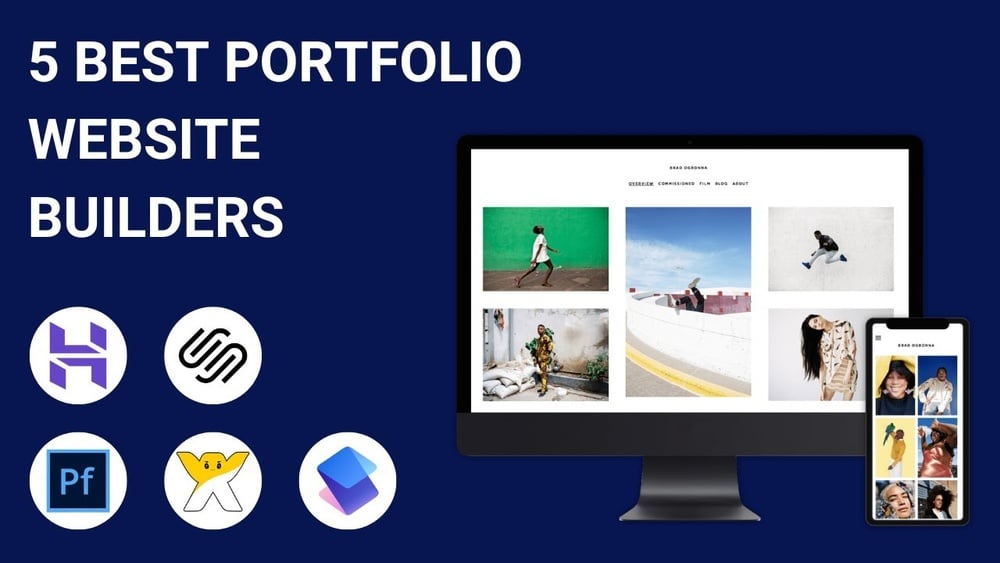
Looking to showcase your work with style and ease? Your portfolio website is your personal stage, and choosing the right website builder makes all the difference.
Whether you’re a designer, photographer, writer, or creative professional, you want a platform that highlights your talents without the hassle. Imagine a tool that lets you build a stunning, professional portfolio quickly—even if you’re not tech-savvy. Ready to discover which website builders give you the best mix of simplicity, creativity, and power?
Keep reading to find the perfect fit for your unique portfolio needs.
Credit: www.youtube.com
Top Portfolio Builders
Framer and Webflow are great for designers. They let you create custom layouts and animations without coding. These tools offer agency-quality templates that make your portfolio stand out.
Format and Portfoliobox suit artists well. They focus on image-heavy designs with options for client proofing and selling art online. Easy to manage galleries help show work beautifully.
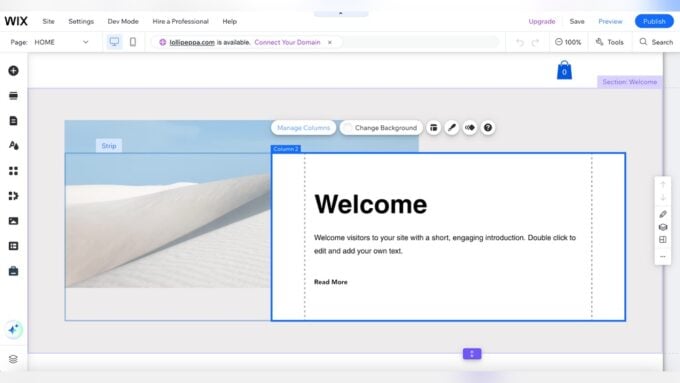
Wix and Squarespace are popular for their drag-and-drop editors. They provide SEO tools and contact forms that make building a portfolio simple and effective.
Carrd and Notion fit minimalists and writers. Carrd creates quick, one-page sites, while Notion organizes case studies and notes neatly. Both keep portfolios clean and easy to navigate.
Key Features To Look For
Design flexibility means being able to change layouts, colors, and fonts easily. This helps make your portfolio unique and personal. Look for tools that let you drag and drop elements or add custom code if needed.
Image galleries and media support are key to showing your work clearly. Choose a builder that supports many file types like photos, videos, and PDFs. Make sure it can display your images in neat galleries or slideshows.
E-commerce and client tools help if you want to sell your work or book clients online. Features like payment integration, booking forms, and client management make this easier and more professional.
Mobile responsiveness means your site looks good on phones and tablets. This is important because many people use mobile devices to browse online portfolios. The website builder should automatically adjust your site for all screen sizes.
SEO and marketing tools help your portfolio get found on Google. Look for builders with easy SEO settings, like editing meta tags and adding keywords. Email marketing and social sharing options are also helpful.
Pricing And Plans
Many portfolio website builders offer free plans, but these come with limitations. Common restrictions include limited storage, fewer templates, and no custom domain. Free options are great for testing, but they may display ads on your site.
Subscription tiers usually range from basic to premium. Basic plans remove ads and add more storage. Premium plans often include advanced design tools, custom domains, and e-commerce features. Prices differ by builder and features offered.
| Plan | Features | Price Range |
|---|---|---|
| Free | Basic templates, limited storage, ads displayed | $0 |
| Basic | No ads, custom domain, more storage | $5 – $12/month |
| Premium | Advanced tools, e-commerce, priority support | $15 – $30/month |
Choosing the right plan depends on your needs and budget. For simple portfolios, free or basic plans work fine. For professionals who want more control and features, premium plans offer better value.
Creating Your Portfolio Site
Choosing the right template sets the tone for your portfolio. Pick templates that showcase your work clearly. Simple designs help visitors focus on your projects. Select templates with easy navigation and clean layouts.
Drag-and-drop editors make building your site easy. They let you move elements without coding. This saves time and reduces stress. You can customize your site by adding images, text, and videos quickly.
Animations and interactivity add life to your portfolio. Use subtle effects that do not distract from your work. Interactive elements like hover effects or clickable galleries engage visitors and make your site memorable.
Adding contact and social links helps visitors reach you. Include email, phone, and social media icons. Make sure these links are easy to find. This builds connections and opens opportunities for your career.
Optimizing For Audience
Showcasing your best work means picking your top projects. Use high-quality images and clear descriptions. Keep your portfolio simple but eye-catching. Highlight your skills with a few key examples.
Organizing projects effectively helps visitors find what they want quickly. Group similar work together. Use clear labels or categories. A neat layout keeps everything easy to scan and understand.
Mobile and cross-device viewing is a must. Make sure your portfolio looks good on phones, tablets, and computers. Test your site on different screen sizes. A responsive design improves the user experience everywhere.
Specialized Builders For Niche Needs
Instructional design portfolios need clear layouts to show projects and skills. Builders like Wix and Squarespace offer easy templates for this. They let you add videos, documents, and timelines to explain your work.
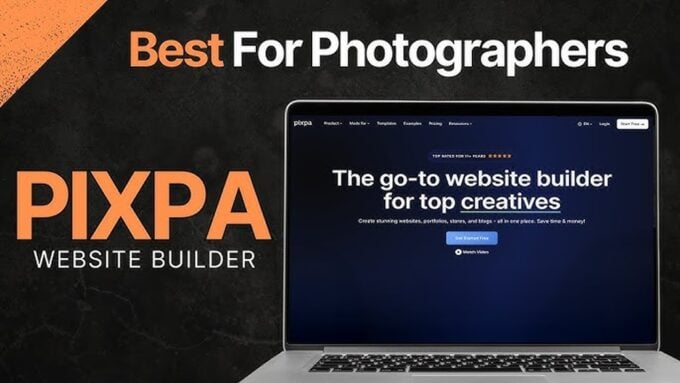
Photographers require portfolios that highlight images with sharp galleries and quick loading. Platforms such as Format and Portfoliobox provide photo-friendly themes. They include features like client proofing and e-commerce options to sell prints.
Writers and case study portfolios benefit from simple, text-focused designs. Builders like Carrd and Notion support clean pages for storytelling and detailed case studies. These tools help organize content without distractions.
Integrations And Extensions
Connecting your portfolio website with Behance and Adobe lets you show your creative projects easily. This connection helps you import your work directly, saving time and effort. It keeps your portfolio up-to-date without extra steps.
Using AI tools for design can help create smart layouts and suggest color schemes. These tools improve design quality and speed up your website building process. AI can also help with image editing and content suggestions.
E-commerce and booking add-ons allow visitors to buy your work or book your services online. These features help you manage sales and appointments smoothly. Adding these options makes your portfolio more functional and professional.

Credit: hostadvice.com
Tips For Faster Site Creation
AI-generated layouts speed up site creation by offering ready-made designs. These layouts save time and reduce effort. They allow quick customization without starting from scratch.
Pre-built templates provide a simple way to begin. They are easy to edit and often come with built-in features. Custom designs offer full control but take more time and skill.
| Feature | Pre-Built Templates | Custom Design |
|---|---|---|
| Speed | Fast setup | Slower process |
| Flexibility | Limited | High |
| Skill level | Beginner friendly | Requires design skills |
Streamlining content upload helps keep momentum. Organize images and texts before starting. Use drag-and-drop features for fast placement. Keep files named clearly to avoid confusion.

Credit: www.cursorup.com
How Our Company Can Help You with Website Builder for Portfolio
Practical Learning with Your Portfolio Website Builder
Choosing the right website builder for your portfolio is just the beginning. As you explore features like drag-and-drop editing and integrations, it’s beneficial to engage in hands-on learning to truly optimize your site for your audience. For example, experimenting with specialized builders tailored to niche needs can deepen your understanding of how design and functionality align with your professional goals.
Additionally, revisiting pricing and plans while building can reveal practical insights about balancing cost with scalability. This ongoing process not only hones your technical skills but also sharpens your ability to evaluate tools based on your unique requirements.
- Try customizing templates to match your personal brand.
- Explore extensions that enhance site speed and usability.
- Analyze audience interaction to refine content presentation.
For further guidance or troubleshooting, consider reaching out to knowledgeable communities or consulting resources like HostingAdvise. Their evidence-based reviews and expert insights can support your learning journey without overwhelming you with jargon or sales pitches.
Frequently Asked Questions
What Website Builder Should I Use For Portfolio?
Wix and Squarespace offer easy drag-and-drop tools and SEO features for portfolios. Framer and Webflow suit creatives needing design flexibility. Format and Portfoliobox work best for photographers and artists. Choose based on your profession, design skills, and budget.
What Is The Best Website To Make A Portfolio Website?
Wix and Squarespace are top choices for portfolio websites, offering easy drag-and-drop design and strong SEO tools. Framer suits creatives needing full design freedom. Format and Portfoliobox excel for photographers with image-focused features. Choose based on your profession, design skills, and budget.
How Much Does It Cost To Build A Portfolio Website?
Building a portfolio website typically costs between $0 and $300 annually. Free platforms like Wix or Carrd offer basic options. Paid plans on Squarespace or Webflow range from $12 to $40 monthly, including hosting and premium features. Custom designs or developer fees increase costs significantly.
Is Wix Free For Portfolios?
Wix offers a free plan to create portfolios with customizable templates and basic features. Premium plans unlock advanced tools and a custom domain.
Conclusion
Choosing the right website builder shapes how your portfolio looks and works. Simple tools help you focus on your work, not coding. Some builders fit artists, others suit writers or designers. Think about your needs and skills before picking one.
A well-made portfolio makes your work stand out. Keep your site clear, easy to use, and updated. Start building today and show your best work to the world.








Leave a comment